
Programming Hormann Garage Door Remotes: Hormann Remote Programming Steps
Programming your Hormann garage door remote might seem tricky at first. But with the right guidance, it becomes a straightforward task. Whether you are a DIY enthusiast, a builder, or a garage door fitter, knowing how to program these remotes can save you time and money. In this post, I will walk you through the essential steps to get your Hormann remote working perfectly with your garage door system.
Garage door remotes are essential for convenience and security. When you buy a new remote or replace an old one, programming it correctly is crucial. Let’s dive into the details and make sure your remote is ready to go.
Hormann Remote Programming Steps
Programming a Hormann remote control involves a few simple steps. The process may vary slightly depending on the model of your remote and the type of garage door opener you have. Here’s a general guide that works for most Hormann remotes:
Locate the Learn Button on the Garage Door Opener
This button is usually found on the motor unit inside your garage. It might be under a light cover or near the antenna wire. The button is often yellow, red, or purple.
Press the Learn Button
Press and release the learn button. You will usually see a light blink or hear a beep, indicating the opener is in programming mode.
Press the Button on Your Remote
Within 30 seconds of pressing the learn button, press and hold the button on your remote that you want to program. Hold it until the garage door opener light blinks or you hear a click.
Test the Remote
Press the programmed button to check if the garage door responds. If it opens or closes, you have successfully programmed your remote.
Repeat for Additional Remotes
If you have more remotes to program, repeat the process for each one.
These steps cover most Hormann remote controls, but some models may have specific instructions. Always check your remote’s manual for details.
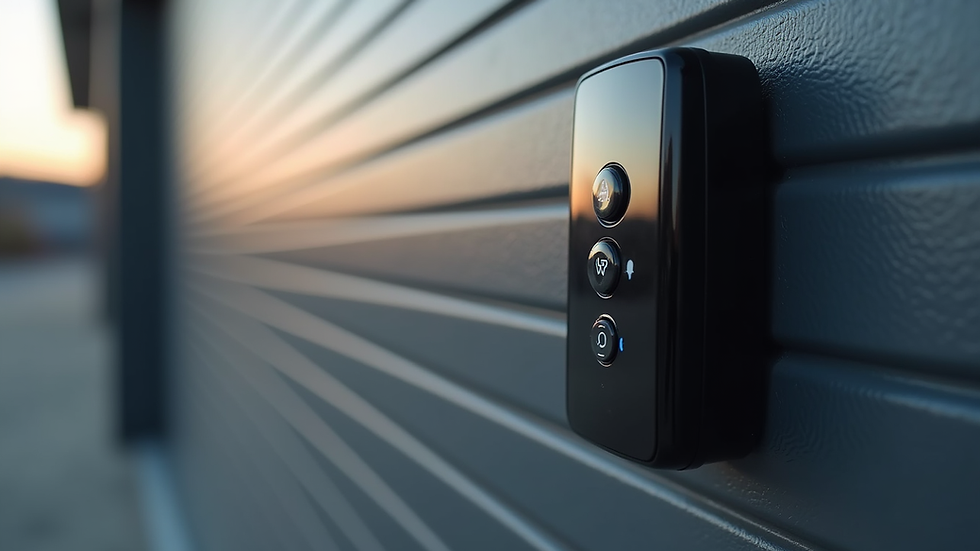
Close-up view of Hormann garage door remote with buttons
How do I programme my Hörmann HSE 868 remote control?
The Hörmann HSE 868 remote control is a popular model, and programming it is quite simple. Here’s how you can do it:
Open the Remote Control
Remove the battery cover to access the programming button inside the remote.
Press the Learn Button on the Garage Door Opener
As with other models, find and press the learn button on your garage door motor unit.
Press the Programming Button on the Remote
Inside the remote, press the small programming button once. The LED on the remote will start flashing.
Press the Desired Button on the Remote
Press the button on the remote you want to program. The LED will stop flashing and stay on for a moment, indicating successful programming.
Test the Remote
Press the programmed button to ensure the garage door operates correctly.
If the remote does not work, repeat the steps carefully. Sometimes, the timing between pressing buttons is crucial.
Tips for Successful Hormann Remote Programming
Programming your remote control can sometimes be frustrating. Here are some tips to make the process smoother:
Check the Battery
A weak battery can cause programming failures. Replace the battery if your remote is old or unresponsive.
Stay Close to the Garage Door Opener
Being near the motor unit during programming helps ensure a strong signal.
Clear Previous Codes if Needed
If you have trouble programming, you might need to clear old codes from the opener. This is usually done by holding the learn button for 10 seconds until the light goes off.
Use the Correct Remote Model
Make sure your remote is compatible with your Hormann garage door opener.
Follow the Manual
Always refer to the specific instructions for your remote model. Hormann provides detailed manuals that can be very helpful.
By following these tips, you can avoid common mistakes and get your remote working quickly.
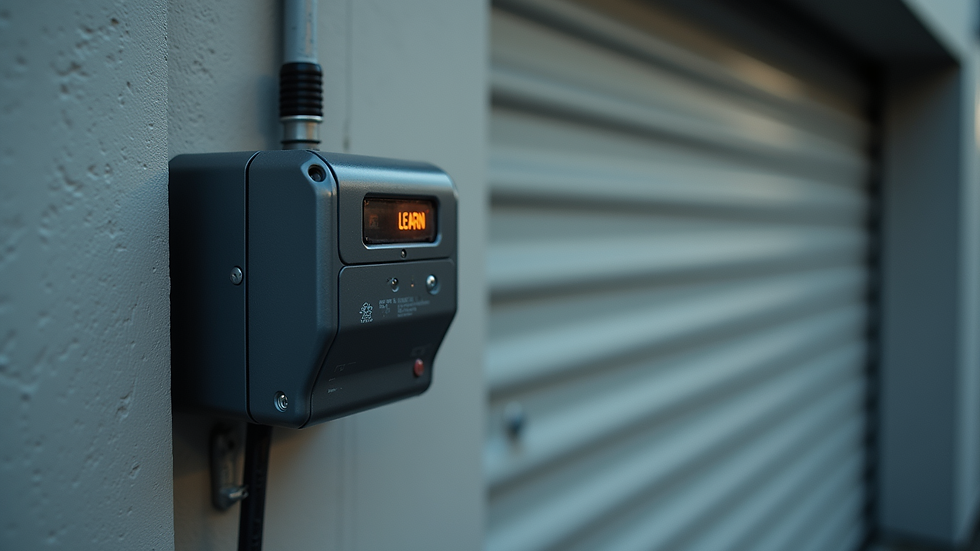
Eye-level view of garage door motor unit with learn button
Why Proper Remote Programming Matters
Properly programming your Hormann remote control is more than just convenience. It affects the security and functionality of your garage door system. Here’s why it matters:
Security
A correctly programmed remote ensures that only your devices can open the garage door. This prevents unauthorized access.
Reliability
When programmed well, your remote will work consistently without delays or failures.
Compatibility
Hormann remotes are designed to work seamlessly with their openers. Programming ensures they communicate correctly.
Ease of Use
Once programmed, you can operate your garage door effortlessly, saving time and effort.
If you sell garage door parts and spares, offering programming advice adds value to your customers. It helps them get the most out of their purchases and reduces support calls.
Where to Find Help and Spare Parts
If you run into issues or need replacement parts, it’s good to know where to turn. Many suppliers offer genuine Hormann parts and accessories. Buying original spares ensures compatibility and durability.
For detailed guidance on hormann remote control programming, Hormann’s official website is a great resource. They provide manuals, videos, and customer support.
Additionally, local garage door fitters and specialists can assist with complex programming or repairs. But for most users, the steps outlined here will be enough to get started.
Programming your Hormann garage door remote is a skill worth having. It saves time, improves security, and keeps your garage door running smoothly. With clear steps and a bit of patience, you can handle it yourself. Remember to keep your remote’s manual handy and don’t hesitate to replace batteries or parts when needed.
Happy programming!


Comments